Prove to regulators, clients, or professional liability insurers that your policies are up-to-date, version controlled and regularly shared with your staff.

Pay for what you need with seat-based pricing. No hidden costs.

Upload your existing policies and you'll be up and running the same day. No consultant or lengthy set-up required.

A user-friendly, modern interface with pre-built reports, workflows and automations. If you can use a smart phone, you can use Dayspring.
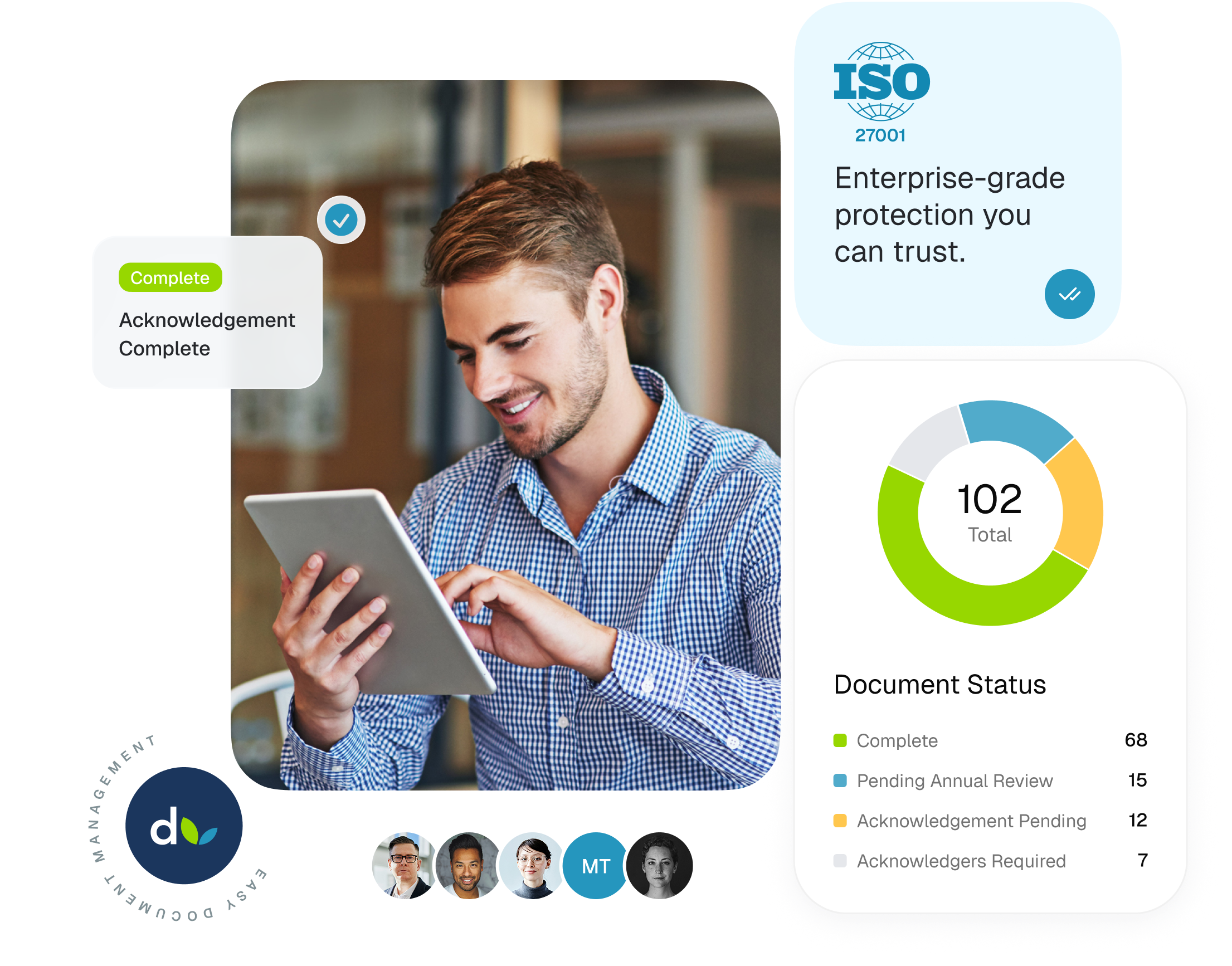
Dayspring is for lean, ambitious legal practices looking to use automation and AI to do more fee-earning and strategic work, and less admin busywork. It replaces manually appending file names with "V2_FINAL," tracking version history in spreadsheets, and chasing acknowledgements over email with a system that keeps your policies up-to-date, version controlled, and regularly communicated to your team.
.png)
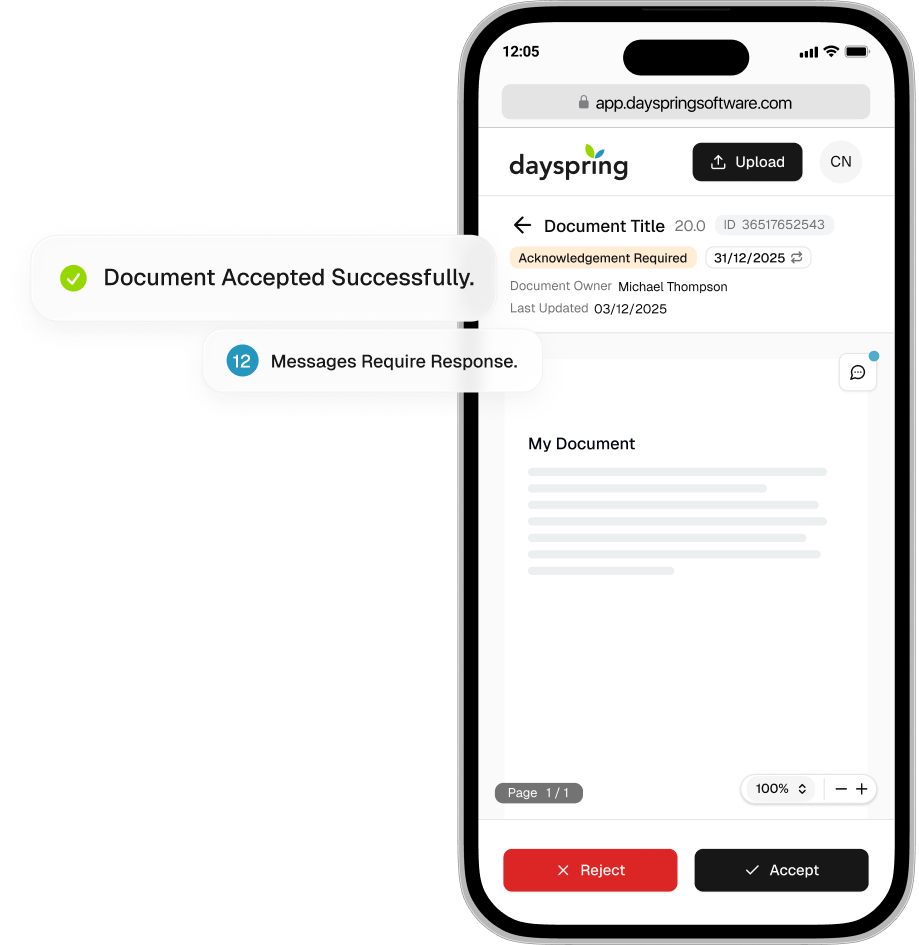
You choose who needs to see a policy and the system does the rest. It sends the email, chases anyone who hasn't responded, and captures every acknowledgement automatically. The result is a version-specific, exportable report showing exactly who agreed to it and when.
.png)
When you update a policy, the old version is automatically archived. Staff can only ever access and acknowledge the current version — so you're never in a situation where someone is working from, or updating, an out-of-date policy. The platform's designated "document owner" retains full access to the policy's version history and can roll back to previous versions if needed.
.png)
Automated workflows guide the designated "document owners" through uploading new versions of policies, whether it's an ad-hoc update or an update that follows an annual policy review. Dayspring compares the new version to the old one and generates an editable plain-English summary of what changed, which is shown to staff when they're asked to read and agree to it, and added to an exportable version history report.


ISO 27001 Certified Platform
Annual Policy Review Workflows
Exportable Version History Reports
Document-Level Access Control
Exportable, Version-Specific Staff Acknowledgement Reports
Document Information Classification Labels
Answering your most common questions about using Dayspring for your firm's policy management. Still got a question? We'd love to hear from you, contact us here.
Yes. Everyone who you want to interact with your company policies needs their own seat — seats can't be shared, because acknowledgement records are tied to individual users. Without that, your audit trail falls apart. There are two seat types: "Full Seats" for those who are uploading policies, using workflows, and accessing reports — and lower-cost "Guest Seats" for those who you only want to read and acknowledge policies. There's a minimum of 3 Full Seats per workspace.
Sign-up takes minutes, directly from the website's pricing page here. After sign-up, you'll receive an email with your temporary password — it'll take just a few more minutes to create your new password, set-up MFA, and gain access to your new workspace. From there, the process of uploading policies is guided and takes around 2-5 minutes per policy: there's no implementation project, no consultant required, and no timelines dictated by a third-party. Most teams are fully set-up within an hour.
That said, the real value of Dayspring builds over time. Version history reports and acknowledgement reports reflect what happens on the platform from the point that you start using it — so, the earlier you adopt it, the stronger your policy governance evidence will be.
Some outside counsel guidelines (OCGs), and many client due diligence questionnaires ask firms to prove their policies are current, formally reviewed, and acknowledged by staff. When they do, Dayspring gives you evidence in shareable reports: proof that your policies are reviewed regularly and on a schedule, and that the latest version is shared with your staff - with version-specific, time-stamped records of acknowledgement.
Yes. Professional liability insurers, particularly in the UK, are asking firms more detailed questions about risk management at renewal — supervision, controls, and how risk is managed day to day. Being able to show that your policies are current, reviewed on schedule, and acknowledged by staff is one concrete way to answer those questions with evidence rather than assurance.
Get the latest articles, insights, and updates delivered straight to your inbox.